Description
Image Locator Camera – Complete Raspberry Pi Files Pack
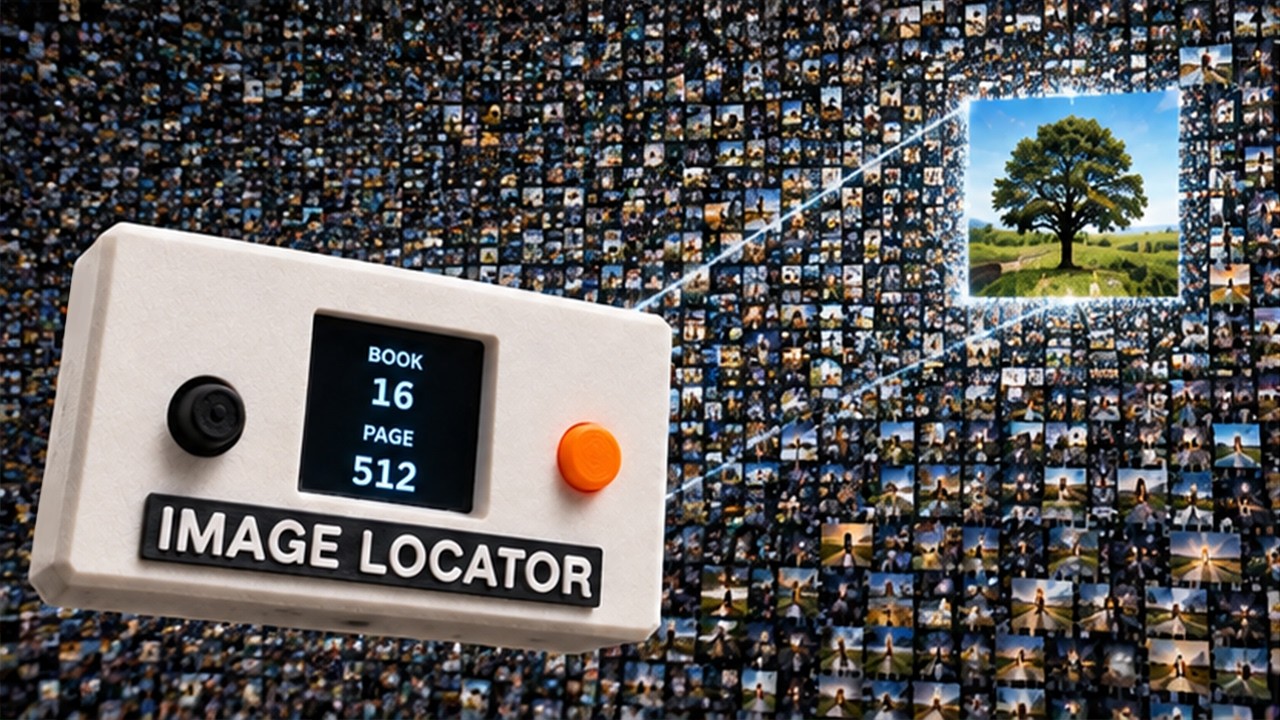
Build your own Image Locator Camera: a Raspberry Pi-powered camera that converts the image it sees into an address inside a theoretical library containing every possible image.
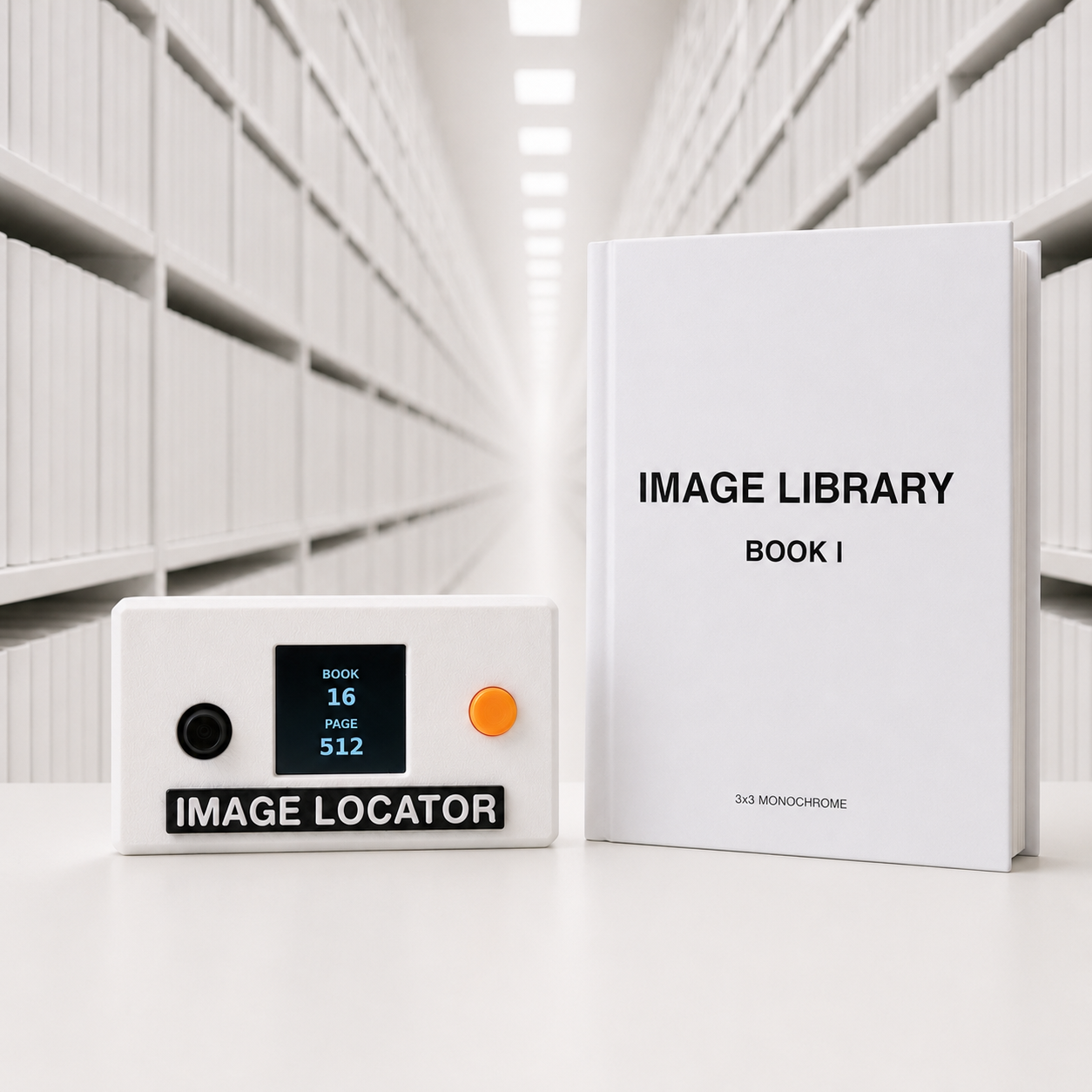
The project includes several monochrome and RGB camera modes, and the 3×3 monochrome mode can even be used together with a complete physical Image Library Book containing all 512 possible images.
What you get
- Complete shopping / hardware list
- Image Library Book PDF
- Python source code to generate the Image Library Book yourself
- FreeCAD source file
- Raspberry Pi Python source code
- STL files for all 3D printed parts
Required hardware
You will need:
- 3D printed parts from the included STL files
- Adafruit 1.3″ Color TFT Bonnet for Raspberry Pi
240×240 TFT display with joystick and buttons
https://learn.adafruit.com/adafruit-1-3-color-tft-bonnet-for-raspberry-pi - Waveshare UPS HAT for Raspberry Pi Zero
https://www.waveshare.com/ups-hat-c.htm - Raspberry Pi Zero 1 W
- OV5647 camera with Raspberry Pi Zero ribbon cable
https://nl.aliexpress.com/item/1005005928324800.html - 4× M2.5×10 mm hex nut standoffs for Raspberry Pi, with 6 mm male thread
Often sold as M2.5×10+6 - 4× M2.5×5 mm bolts with small screw head
- 10× M2×8 mm self tapping screws
The electronic and mechanical parts cost approximately €70 in total, depending on where you buy them.
The professionally printed 512-page Image Library Book shown in the video cost me approximately €65 to have printed. Printing the physical book is optional: the complete PDF and Python generator are included.
Difficulty
This is not an absolute beginner project.
The mechanical assembly itself mostly consists of stacking and mounting ready-made modules, but you should already be comfortable working with a Raspberry Pi.
You will need to be able to:
- Set up a Raspberry Pi
- Create and configure a Python environment
- Install Python packages and system dependencies
- Connect and configure Raspberry Pi hardware
- Work with a camera module and button/display HAT
- Troubleshoot basic Linux / Raspberry Pi issues
The files provide the design and software needed to reproduce the project, but this is not intended as a step-by-step Raspberry Pi beginner course.
Included files
CAD
- Original FreeCAD project
- Printable STL files
Software
- Complete Raspberry Pi source code
Image Library
- Ready-to-print Image Library Book PDF
- Python generator for creating the book
Documentation
- Hardware / shopping list